
Money,
made plain.
One minute lessons on the money ideas that matter. Deep dives when you want them. Calculators in your currency. No bank logins. No ads. Plain language only.
Free to use. Works anywhere. iOS today, Android coming soon.
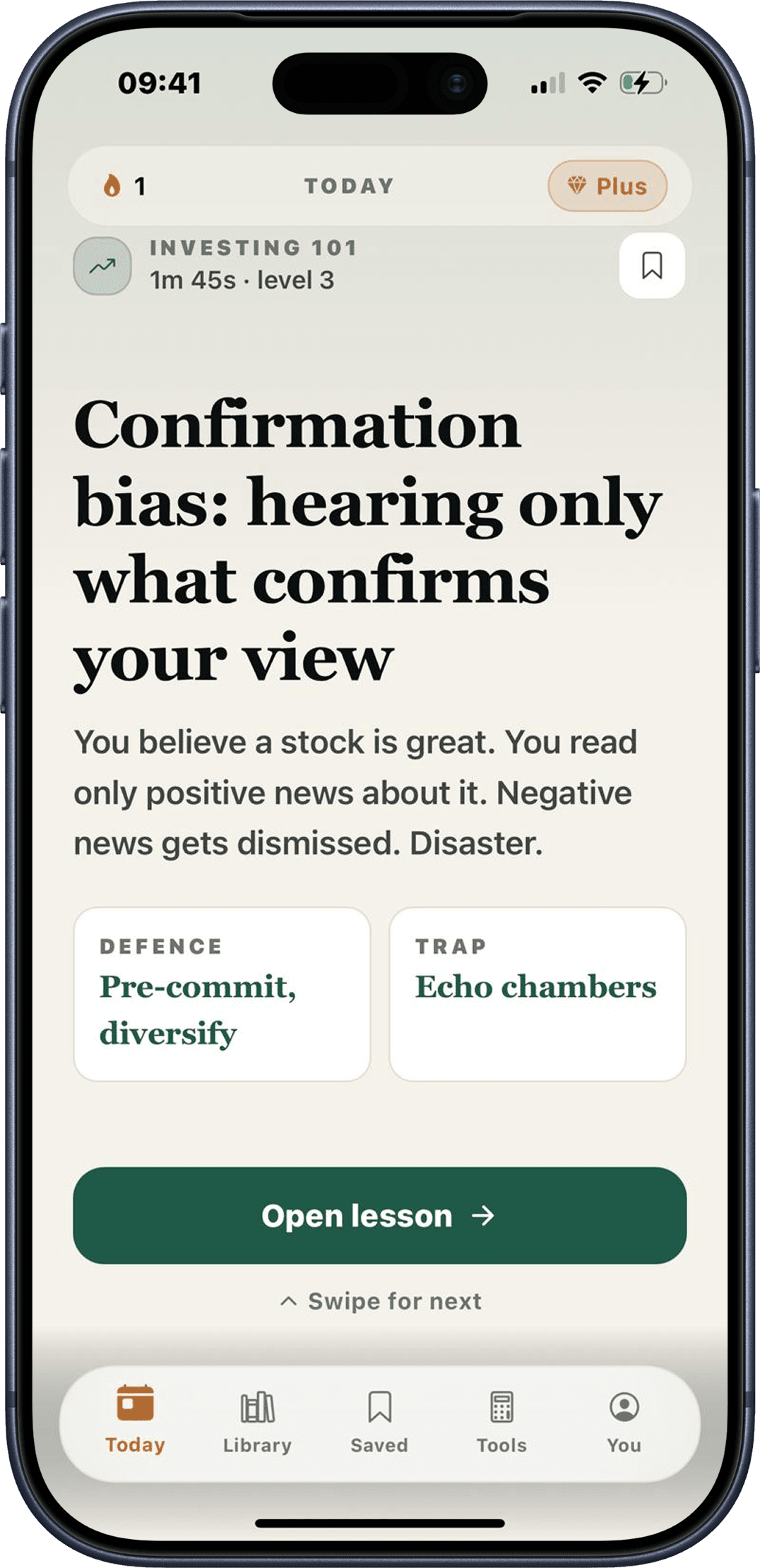
A finance class that fits in your commute.
Scroll: Personal Finance is not a budgeting tool and we will never ask for your bank login. It is a small, quiet companion that teaches you the ideas, then leaves you alone.
- 01
One minute lessons
A daily card on one money idea. Read it, get it, move on. No threads, no doom scroll.
- 02
Deep dives when you want them
Tap any lesson for the long read. The full mental model, the worked example, the catch.
- 03
Quick checks that stick
A small quiz after each idea. Earn XP, build a streak, actually remember it next month.
- 04
Tools that do the math
Nine calculators for the questions you actually have. Salary, compound, mortgage, emergency fund.
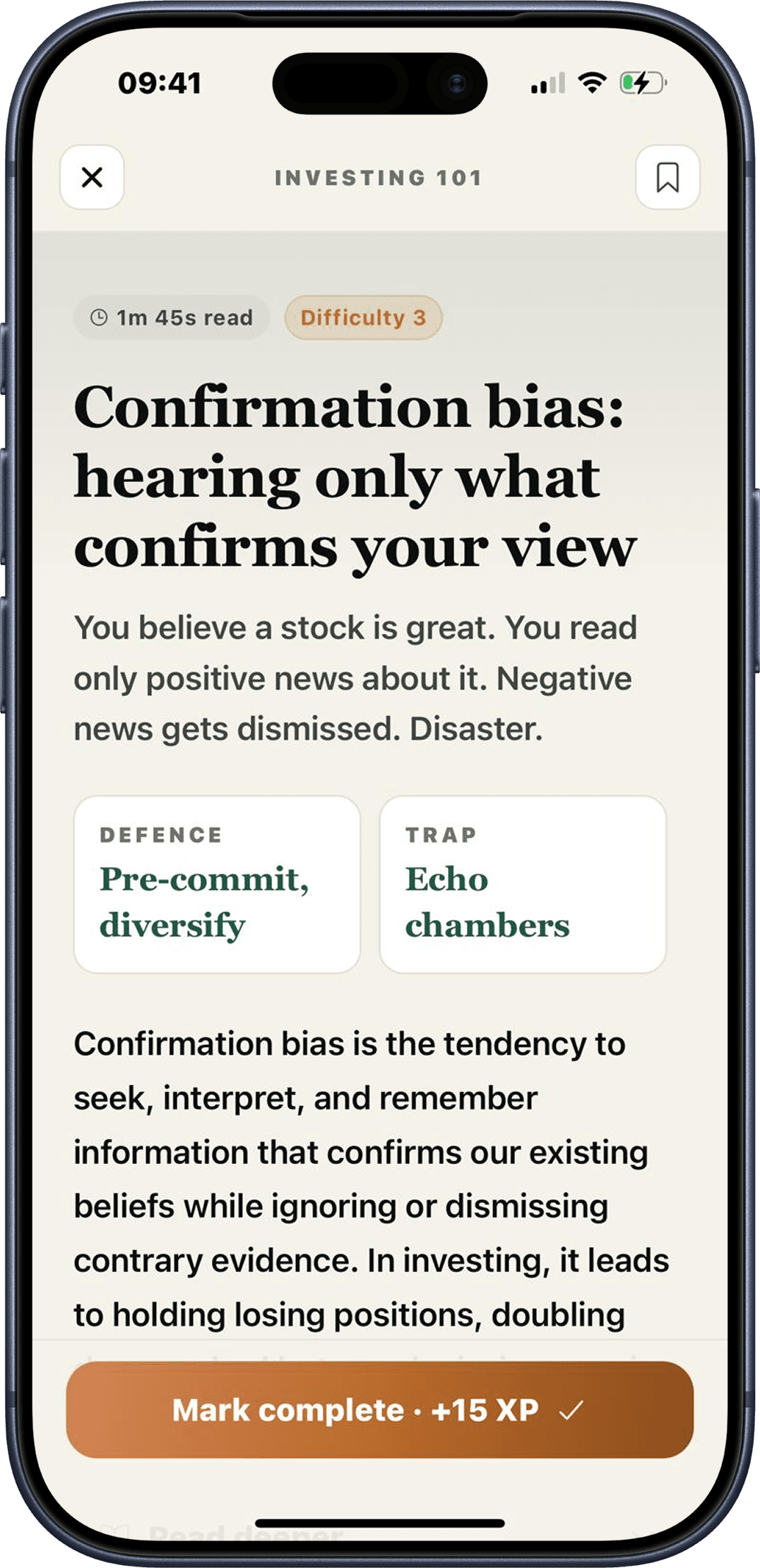
One idea, the full picture.
Each lesson opens into a long read with the worked example, the catch, and the defence. Read it once, you have it for life.
- Worked through with real numbers
- Clear defence patterns you can apply
- Mark complete to earn XP
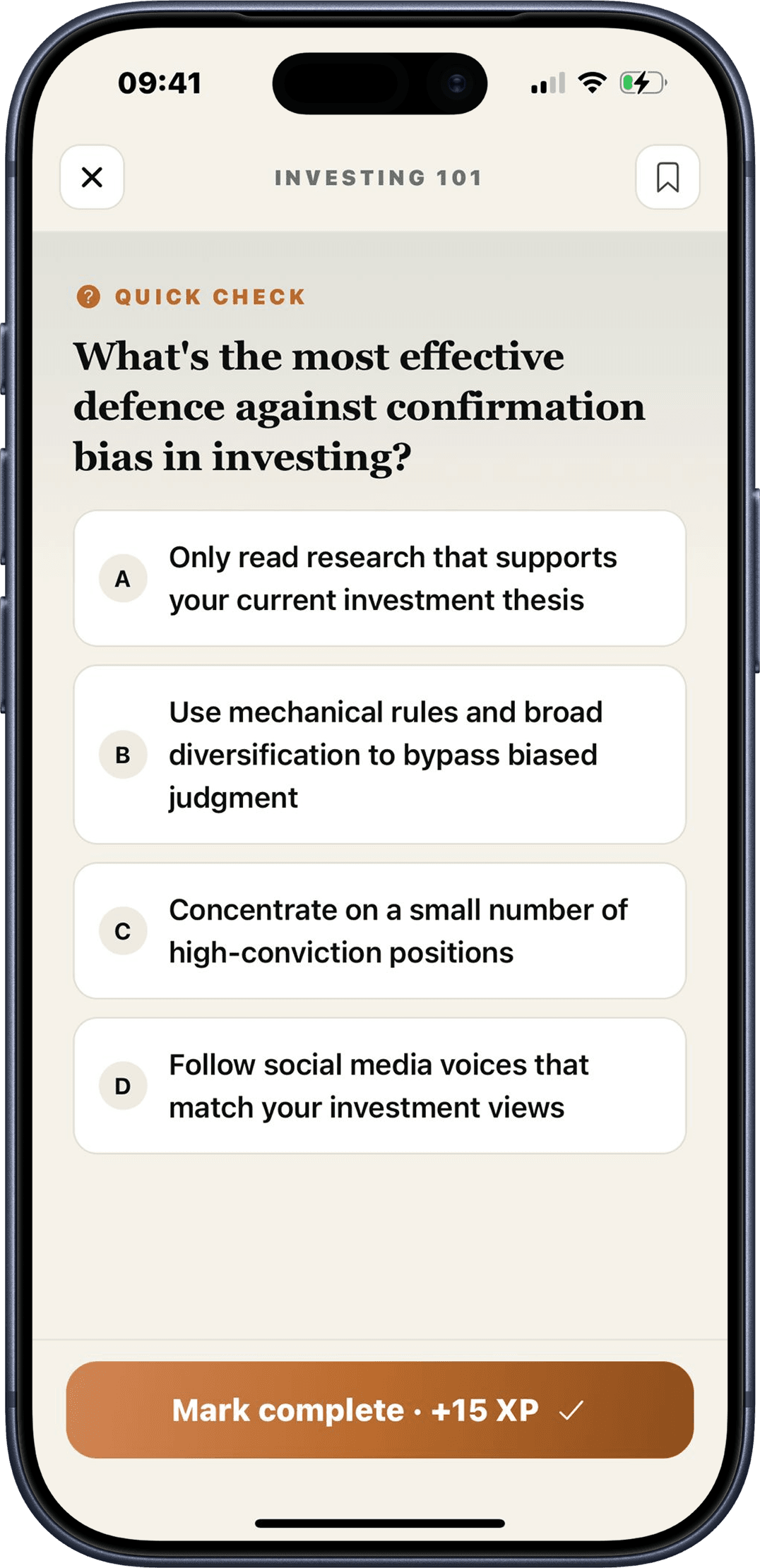
Learn it. Then prove it.
A short multiple choice question after each lesson. Designed to surface the idea you almost remembered. Light, fast, never punishing.
- One question per lesson
- +15 XP for a correct answer
- Streaks for showing up daily
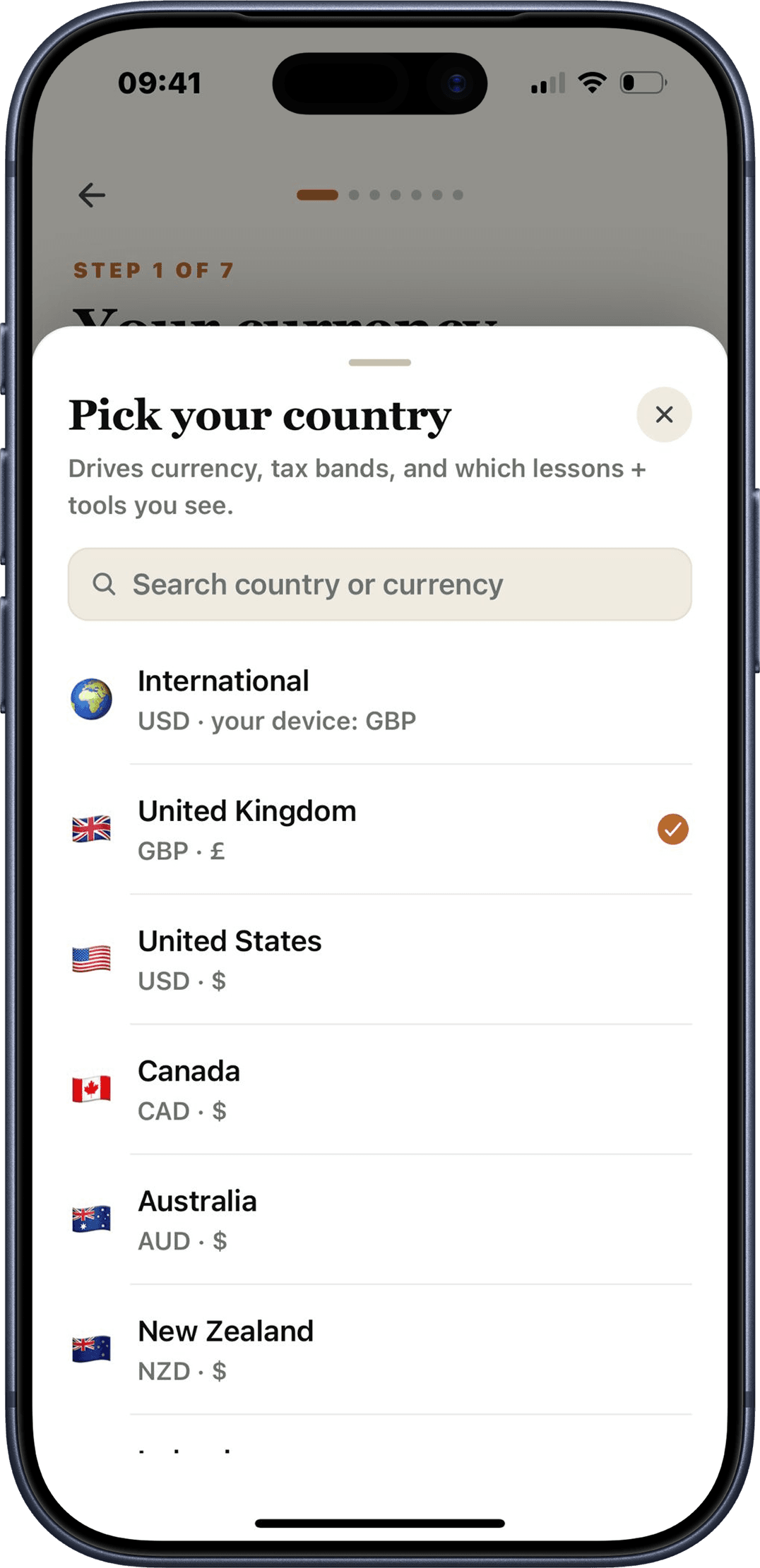
Whatever country.
Whatever currency.
The whole catalog is built to work anywhere. Pick a currency you recognise and the numbers reshape: compound interest in rupees, emergency funds in pesos, a take home calculator in nairas. The ideas are the same everywhere money is.
For a handful of places we also include the local rules where they matter, things like ISAs, 401(k)s, or Superannuation. Skip it if you do not need it.
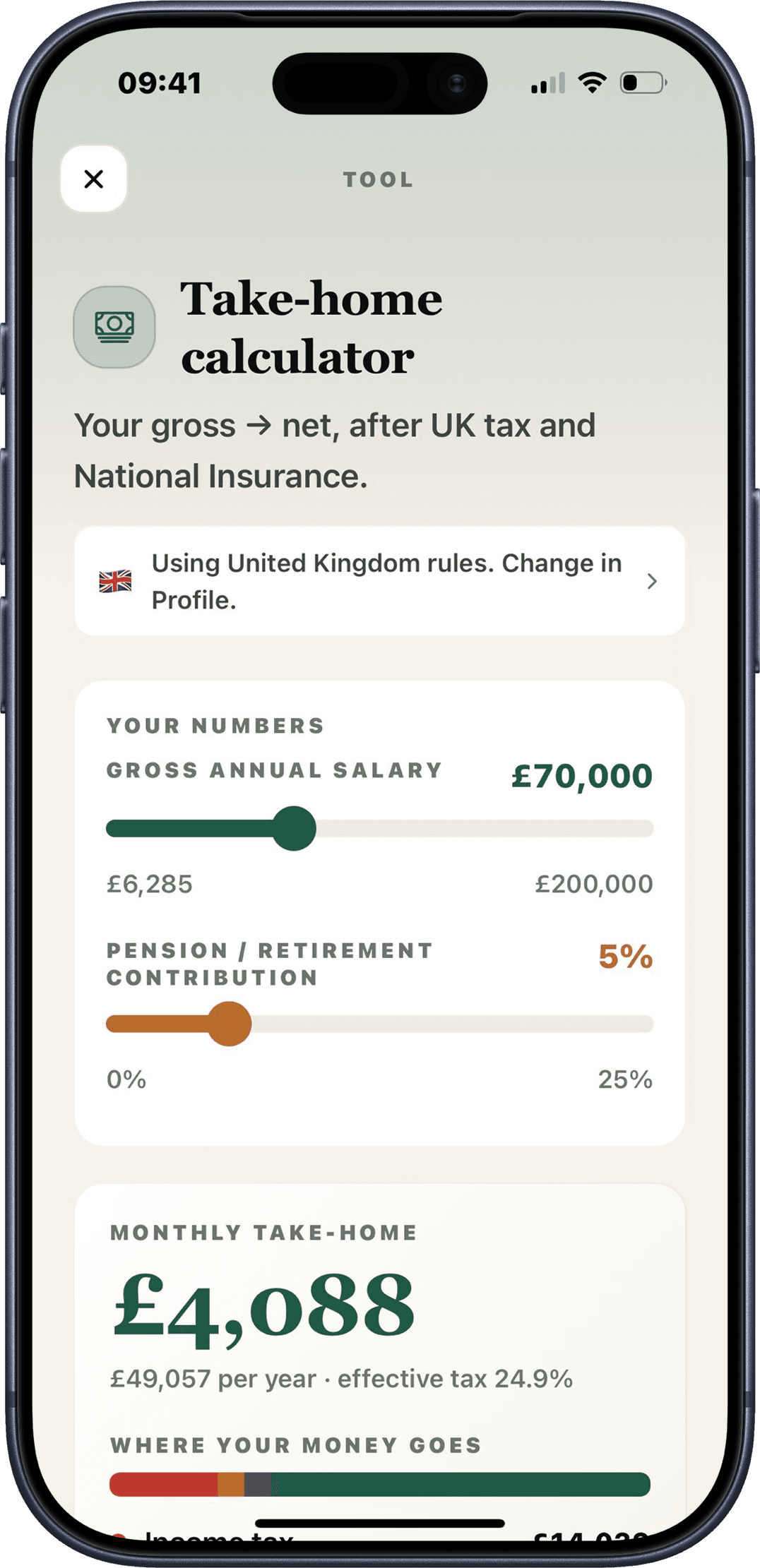
Nine calculators.
Real math.
The questions you actually have, answered with your country's tax bands and your currency. No spreadsheets required.
- Take home calculator
- Compound interest
- Mortgage affordability
- Emergency fund
- FIRE number
- Debt payoff
- Savings goal
- Investment fees
- Rent vs buy
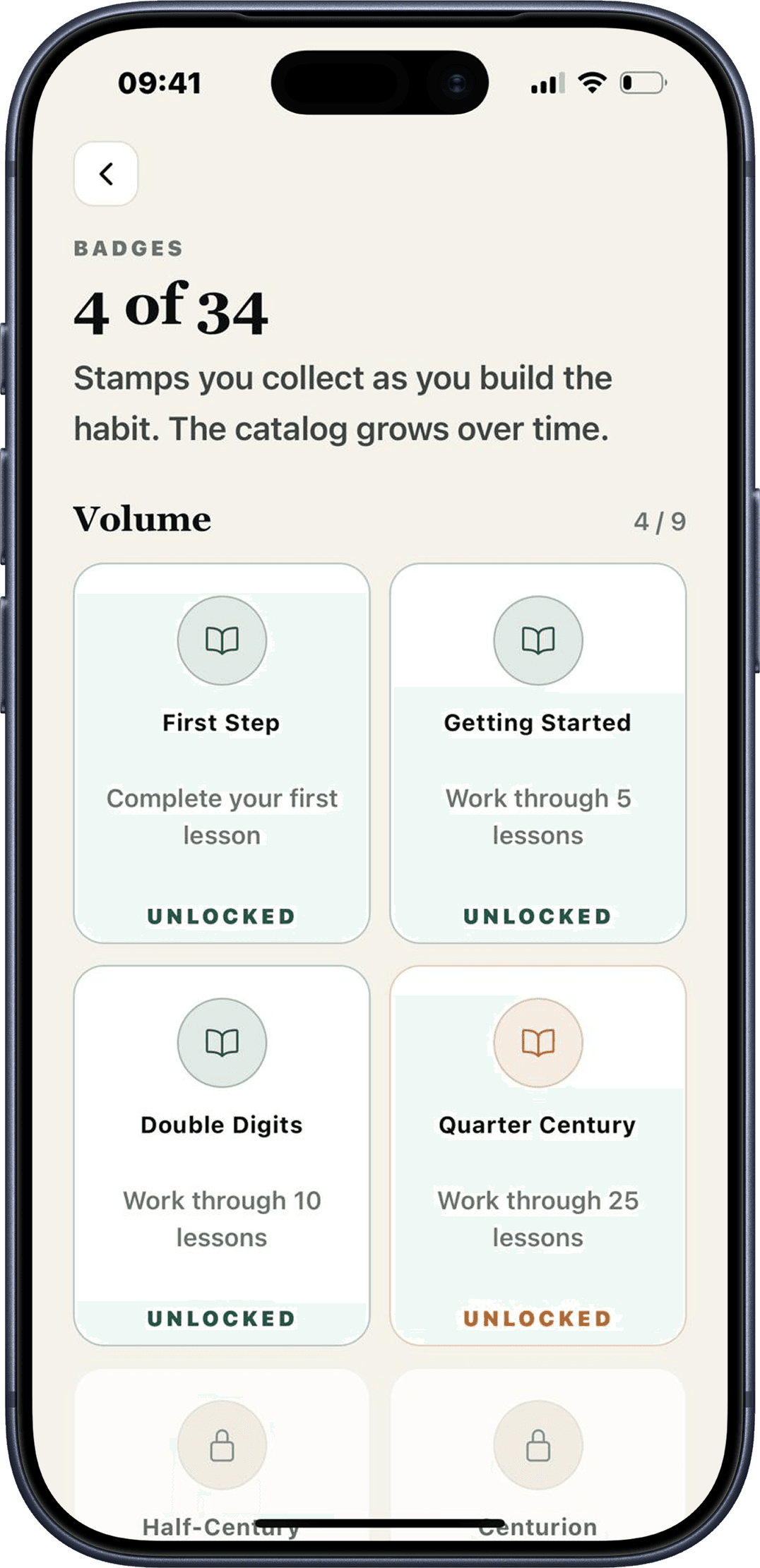
Stamps for the long road.
Thirty four badges to collect as you go. Quiet marks of the work you put in, unlocked through lessons and streaks. They never expire.
- Earned by reading lessons and keeping streaks
- Grouped into volumes that grow with the catalog
- Yours forever, with or without Plus
New lessons,
every week.
Scroll is not a textbook you finish. The catalog grows constantly, tracking new tax rules, new tools, and the questions you tell us you want answered.
Fresh ideas land every week, from new tax year rules to behavioural traps the team spots in the wild.
When a tax band moves or a new account launches, the lessons and calculators follow.
No 'pro version' for the latest content. If you have the app, you get the updates.
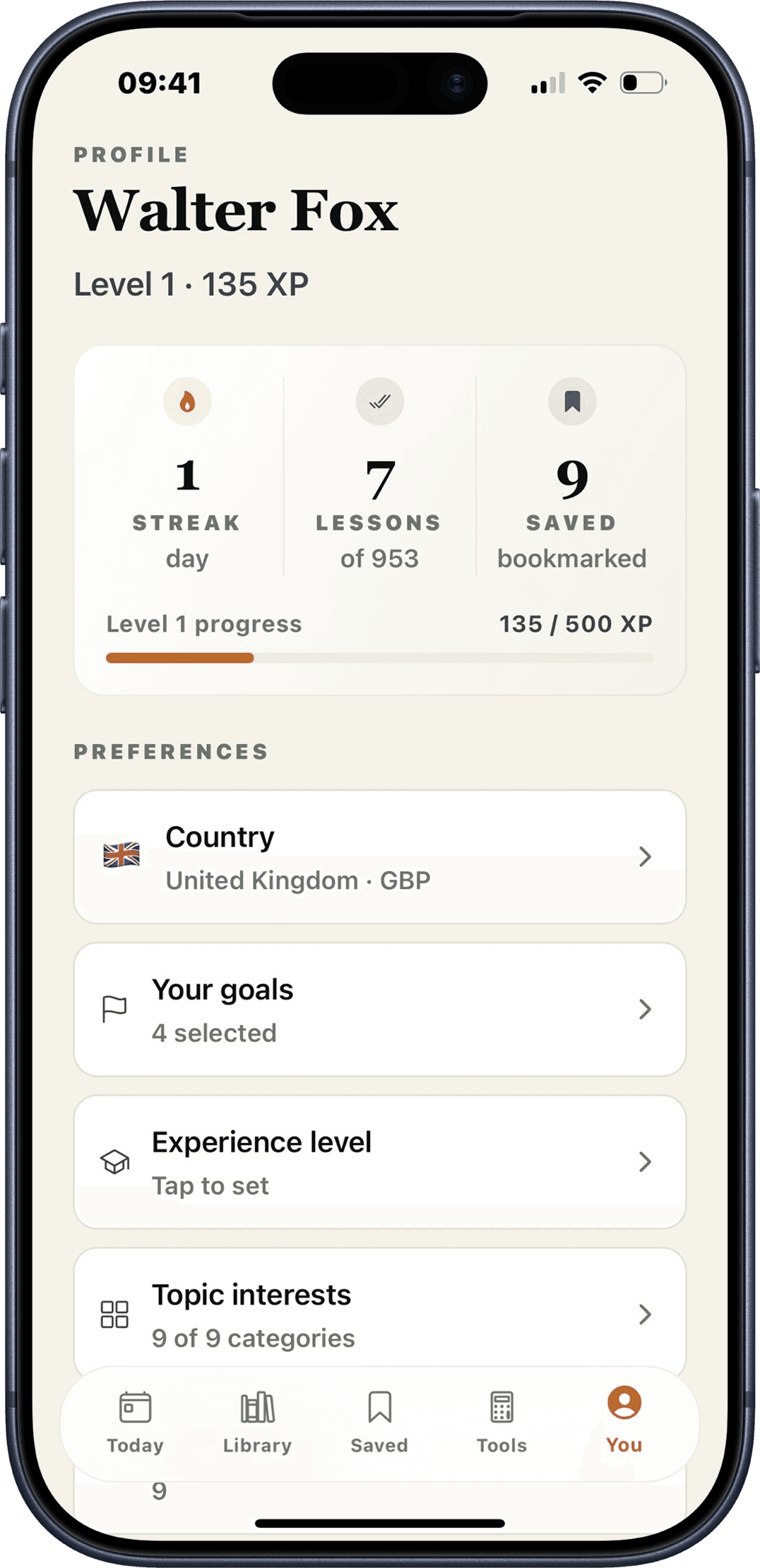
One minute a day,
compounded.
Streaks for showing up. XP for what you learn. Badges for the milestones along the way. The same drip that built your social feed habit, pointed at something that pays you back.
Two seconds
with your camera.
Point your phone at the code and the App Store opens straight to Scroll. iOS today, Android in the works.
Scan with your phone camera to install.
Or tap to openAndroid is in build. We will email you the day it lands.
Get notifiedStart free. Upgrade if you love it.
Free
foreverEnough to build a daily habit and get the basics down.
- Five lessons a day
- Six categories
- Two calculators
- Daily reminder
- Streaks and XP
Plus
RecommendedUnlock the whole library, every tool, and the full deep dives.
- Unlimited lessons
- All nine categories, including UK accounts, Property, and Tax
- All nine calculators
- Deep dives on every lesson
- Offline reading with overlay sync
Subscription price varies by country. Cancel anytime in the App Store.
Which countries does Scroll work in?
All of them. Pick International for a universal feed in any currency you choose. Twenty one base countries also get country-specific lessons and rules layered on top, things like UK ISAs, US 401(k)s, Australian Super, or Indian PPF.
Is Scroll a budgeting app?
No. Scroll is a learning app. It teaches the ideas behind money so you can make better decisions with whatever budgeting tool, bank, or broker you already use. We never connect to your bank.
Does Scroll give financial advice?
No. Scroll is educational. We explain how things work and what trade offs to consider. For decisions tied to your specific situation, speak to a regulated professional.
Do I need an internet connection?
No. The full lesson catalog ships with the app, so you can read offline from day one. Plus subscribers also get a sync overlay so server side updates appear without an app update.
Is the app on Android?
Not yet. iOS is live today and Android is coming soon. Drop your email to support and we will let you know the day it lands.
How much does Plus cost?
Plus is a small monthly or annual subscription. The exact price depends on your country, and you can see it on the paywall inside the app before purchase.
Start your one minute
today.
Free to install. No bank logins. Works anywhere in the world.